Can You Make Phone Calls from an iPad?
Home Phone
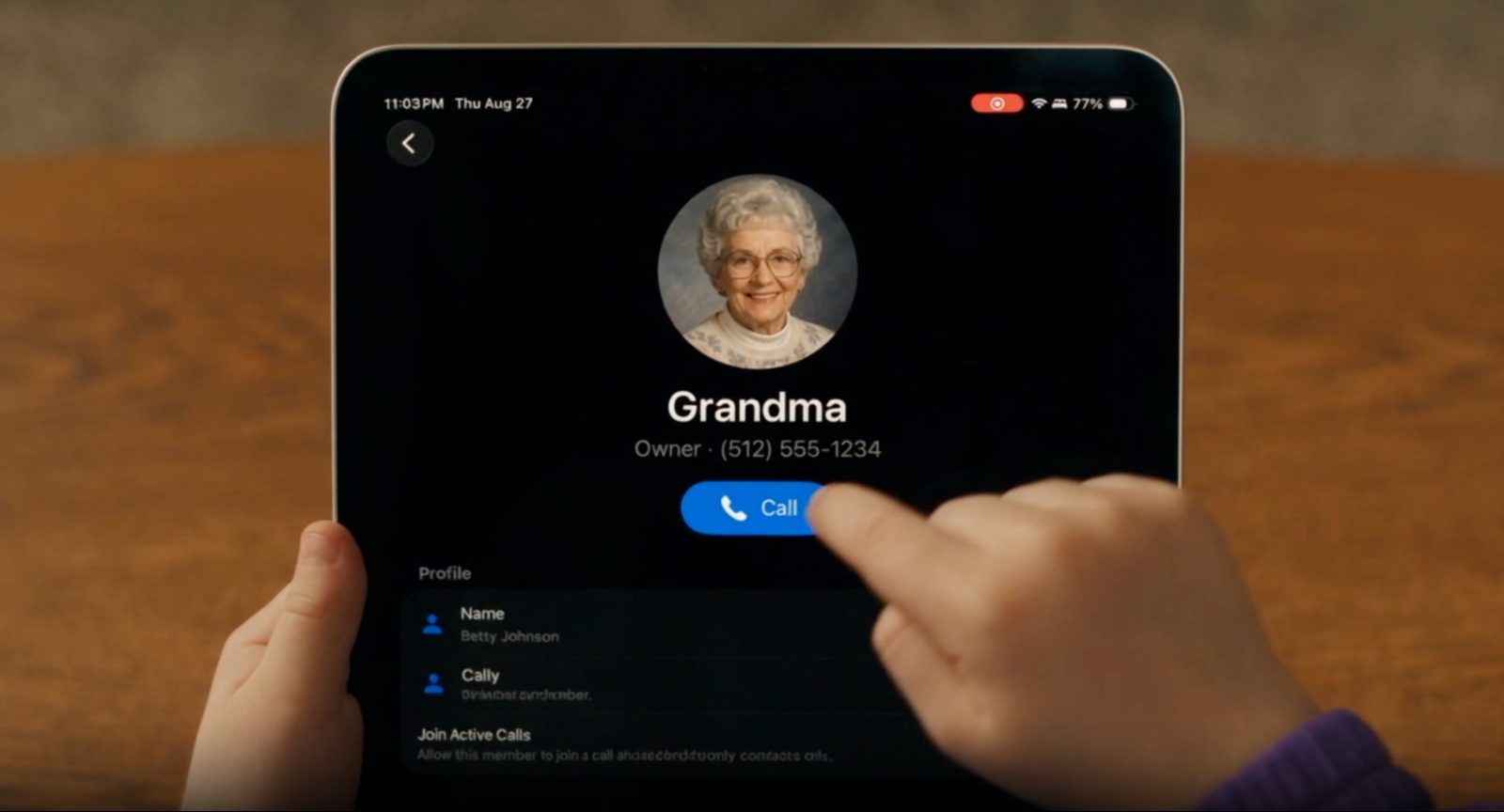
The short answer
An iPad can't make a traditional phone call on its own. It doesn't have a SIM card slot or a cellular phone number, even on models with cellular data. But that doesn't mean it can't make calls at all. With the right app, an iPad can place and receive real phone calls over Wi-Fi or cellular data, no SIM card required.
Why this matters for parents
A lot of families already have an old iPad sitting around, maybe one that's been handed down after a sibling outgrew it. That makes it a natural first "phone" for a kid who needs a way to call home, without buying a new device or adding a cell plan.
How it actually works
Calling apps that work on an iPad generally fall into two categories:
- Voice and video chat apps like FaceTime, which only work if the person on the other end is also using the same app.
- Real phone number apps that assign a phone number to the iPad, so it can call and receive calls from any phone, not just people using the same app.
For a kid who needs to call a parent's regular cell phone, a grandparent's landline or the school, the second type is what actually solves the problem. FaceTime only works if everyone involved has an Apple device and the same app open.
What you need to set it up
- A Wi-Fi connection, or a cellular data plan on the iPad if it has one.
- A calling app that provisions a real phone number for the device.
- A way to control who the iPad can call and who can call it, especially important since the iPad likely also has internet access.
One number for more than one device
Some calling apps go a step further and let an iPad share the same phone number as other devices in the household. That means a call to your family's number can ring the iPad, a parent's phone and any other device you've added, all at once, so whoever's available can answer.
This turns an old iPad from a one-off calling device into part of a shared household phone system, the same idea as a family landline, just spread across the devices you already own.
Things to keep in mind
Calling over Wi-Fi or data isn't quite the same as a traditional cell connection. A few things to know before relying on it:
- It needs an internet connection to work. No Wi-Fi or data means no calls.
- Call quality depends on connection strength, the same as any video call.
- It isn't a substitute for a phone in a true emergency. Keep another way to reach emergency services available.
With those limitations in mind, an iPad can be a genuinely useful way for a kid to stay reachable, without the cost or commitment of a first cell phone.